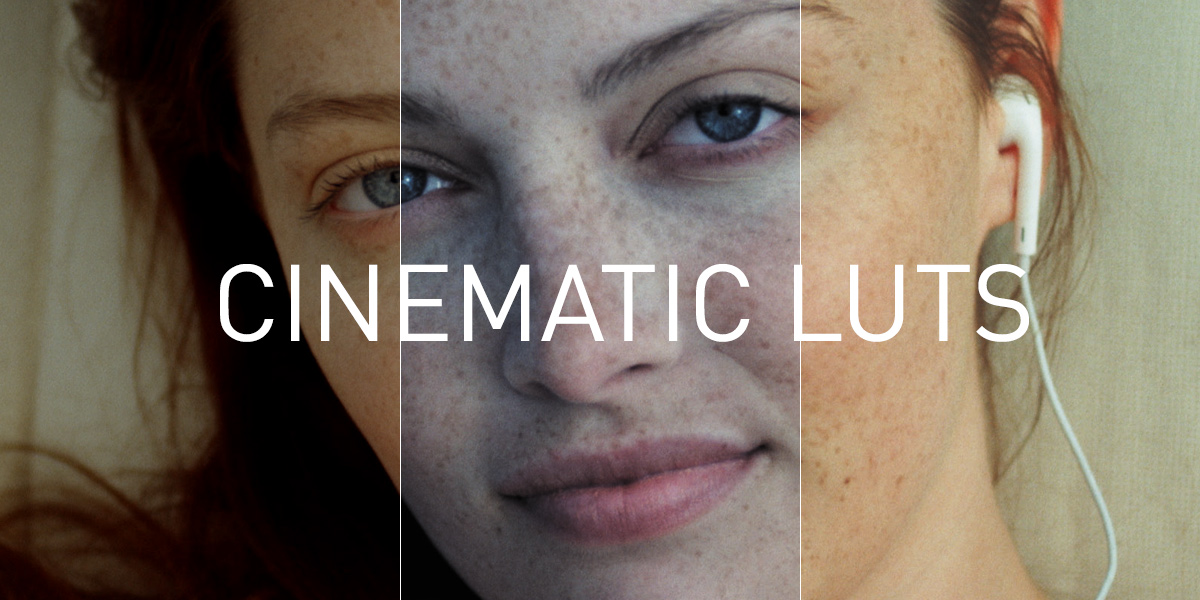

I am very excited to share my 15 Cinematic LUT packs with all of you today!
As a director and colorist, I have spent countless hours color grading hundreds of projects of all shapes and sizes. From commercials and music videos to feature films and television content, I have been through the wringer and back in the color grading suite. During this time I created dozens of creative LUTs that I would later use to speed up my workflow and improve the quality of my work. Drawing inspiration from many of these LUTs that were created in the field and on real world projects, the LUTs included in my packs have all been crafted around the same goal: To give filmmakers a means to improve their color quality dramatically while mitigating post-production time.
Unlike simple translation LUTs, which are typically designed to convert color spaces (for instance converting Log footage to Rec. 709), the LUTs that I have created are stylistic in nature. They are intended to be used as creative tools that will help filmmakers experiment with different color looks quickly and easily, giving them more freedom to work creatively and spontaneously in post.
These LUTs can be used with footage from virtually any camera. Whether you are grading RAW footage from a RED or Blackmagic camera, ProRes from an Alexa, H264 from a DSLR, or any other format for that matter – the Look Up Tables included in these 6 packs will work every time.
Many of the other LUT packs that are currently available online are far too extreme in nature, at least in my opinion. Some of these extreme LUTs will only work well on daylight shots, whereas others might only look good when applied to low-light footage. While those types of LUTs may be useful in some scenarios, they are far less universal than the ones that I have created, which are designed to be used with the widest variety of footage possible.
In total, I have released 180 LUTs that have been organized into the following 5 Master Packs:
LIGHTS MASTER PACK – 36 x LUTs
- Sunlight Pack – 12 x LUTs
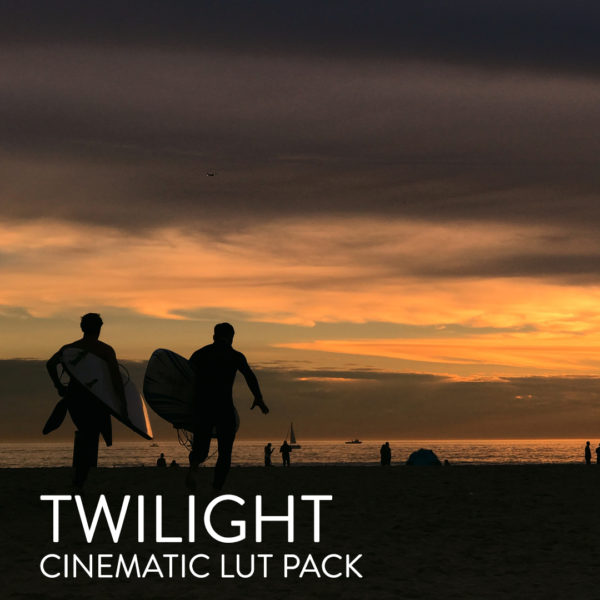
- Twilight Pack – 12 x LUTs
- Moonlight Pack – 12 x LUTs
CITIES MASTER PACK – 36 x LUTs
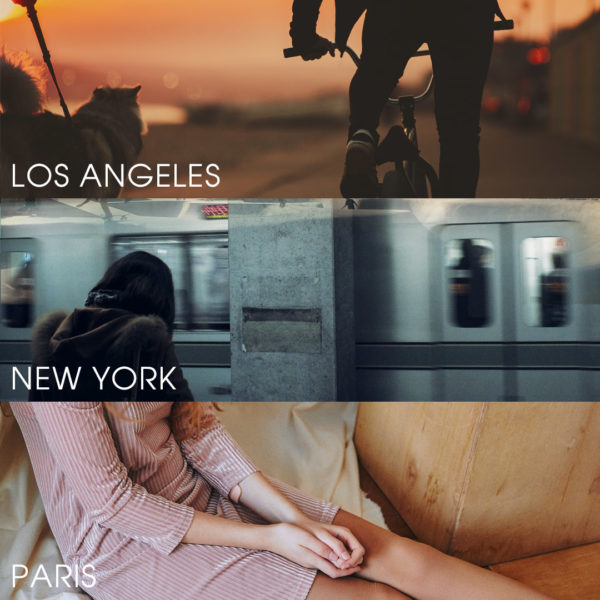
- Los Angeles Pack – 12 x LUTs
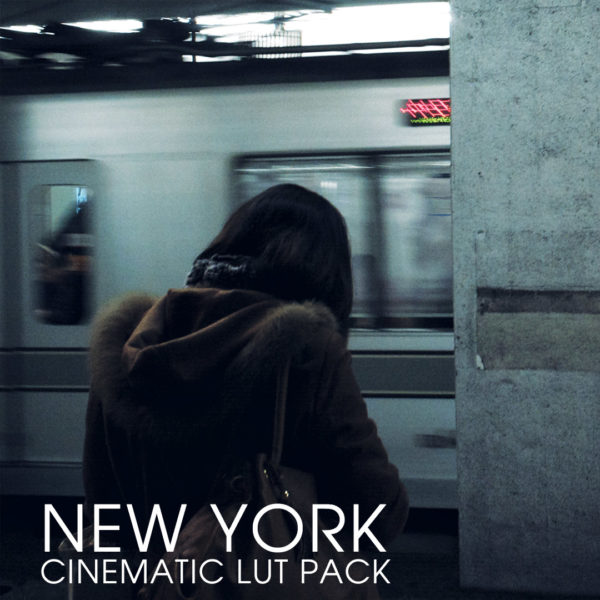
- New York Pack – 12 x LUTs
- Paris Pack – 12 x LUTs
AUTEUR MASTER PACK – 36 x LUTs
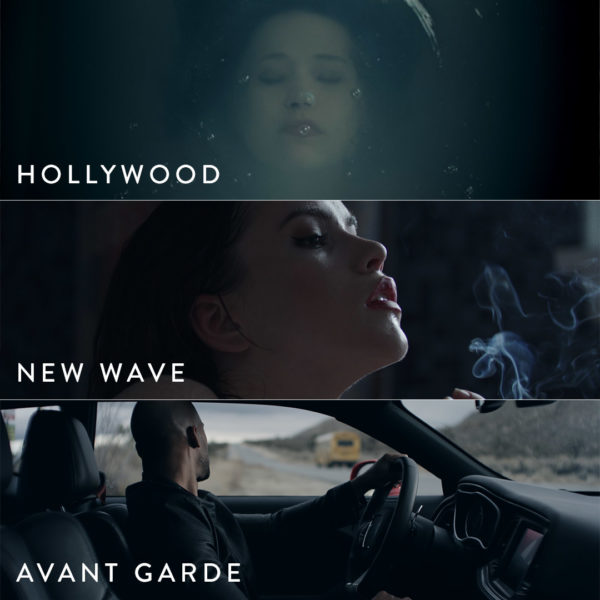
- Hollywood Pack – 12 x LUTs
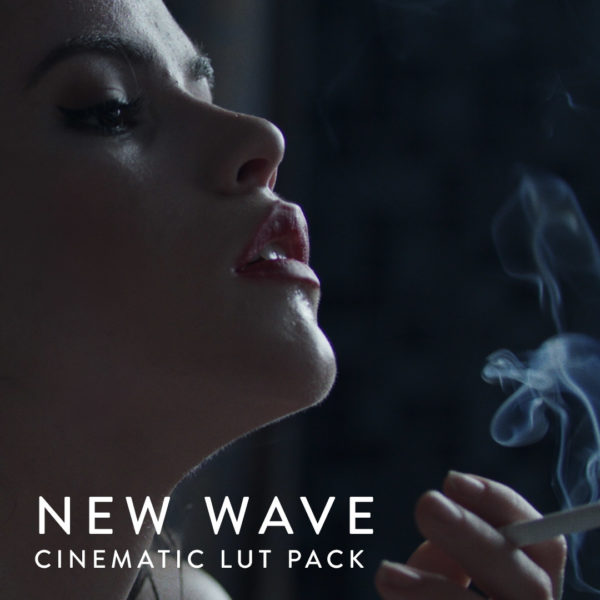
- New Wave Pack – 12 x LUTs
- Avant Garde Pack – 12 x LUTs
GENRE MASTER PACK – 36 x LUTs
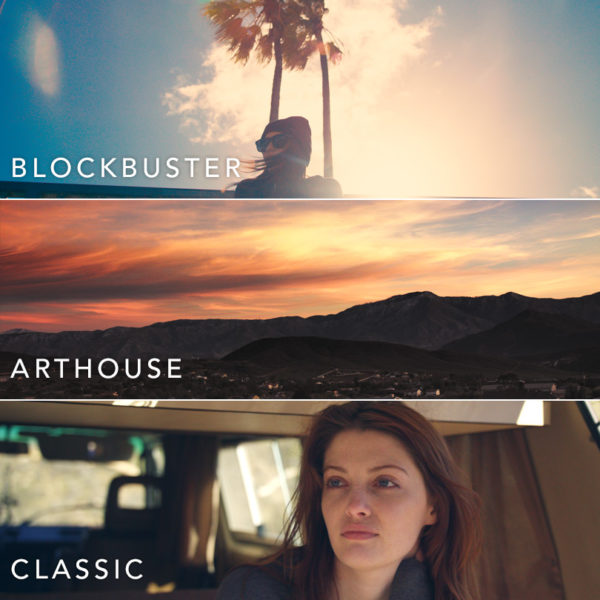
- Blockbuster Pack – 12 x LUTs
- Art House Pack – 12 x LUTs
- Classic Pack – 12 x LUTs
ORIGINAL MASTER PACK – 36 x LUTs
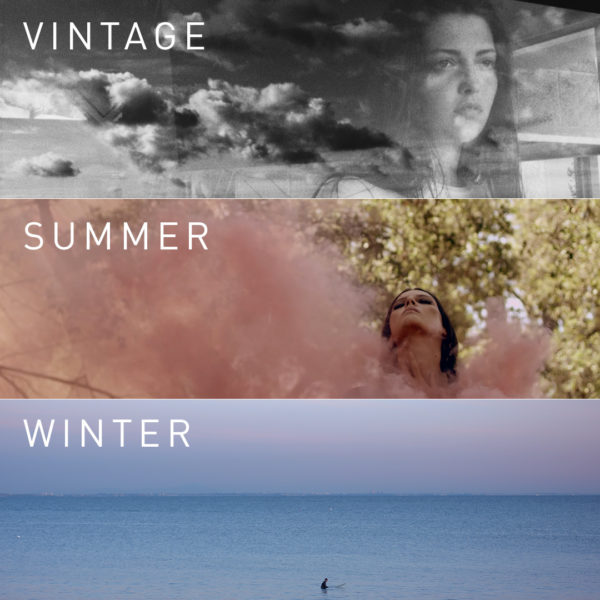
- Vintage Pack – 12 x LUTs
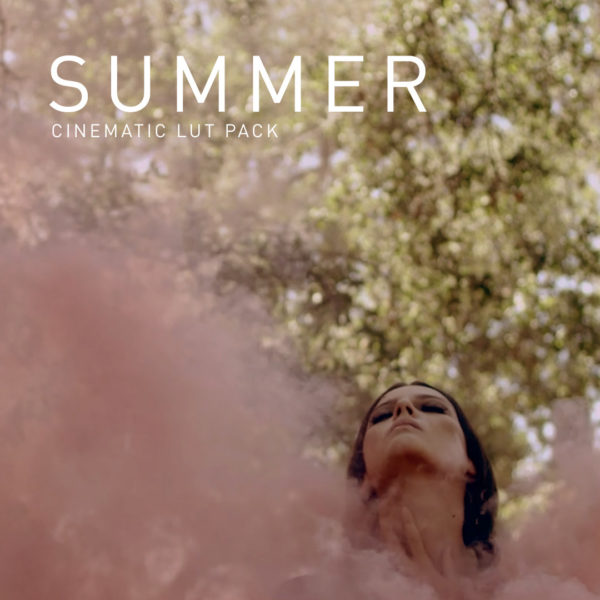
- Summer Pack – 12 x LUTs
- Winter Pack – 12 x LUTs
A brief description of each individual pack along with sample images & videos can be found below –
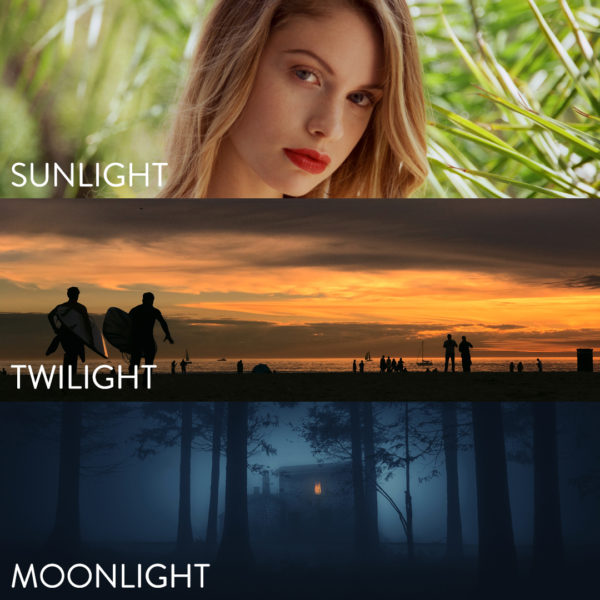
THE LIGHTS MASTER PACK: Optimized for footage shot under varying light conditions at different times of day.
SUNLIGHT
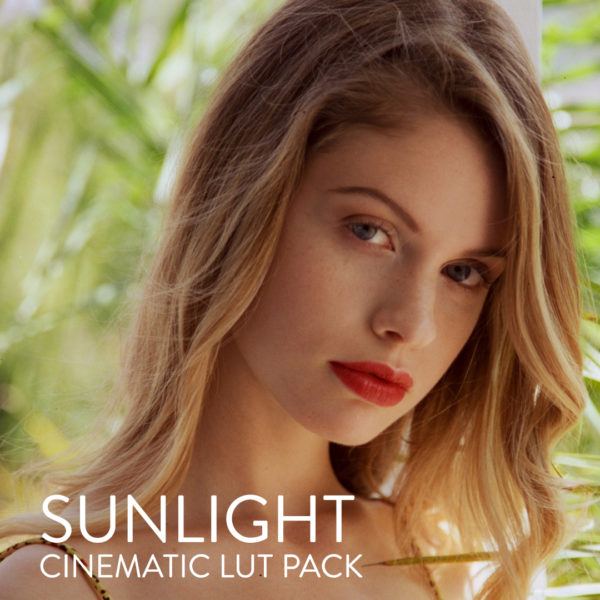
The Sunlight Collection produces gorgeous color palettes that are rich, textured, and optimized for use with daylight footage. Several of the looks are designed neutralize harsh, direct sunlight by softening contrast and highlight rolloff. Others increase clarity and tonality, adding bold color tones to shots captured outside in overcast conditions, or inside with soft window light.


TWILIGHT
The Twilight Collection produces perfect color tones for shots captured during sunset, golden hour or blue hour. Midtone contrast has been prioritized to add more dimension to clouds, skin, and other key details, while saturation and vibrancy subtly enhance warm and cool tones throughout. Black levels and color balance vary in each LUT, resulting in a truly dynamic set that thrives under natural light.


MOONLIGHT
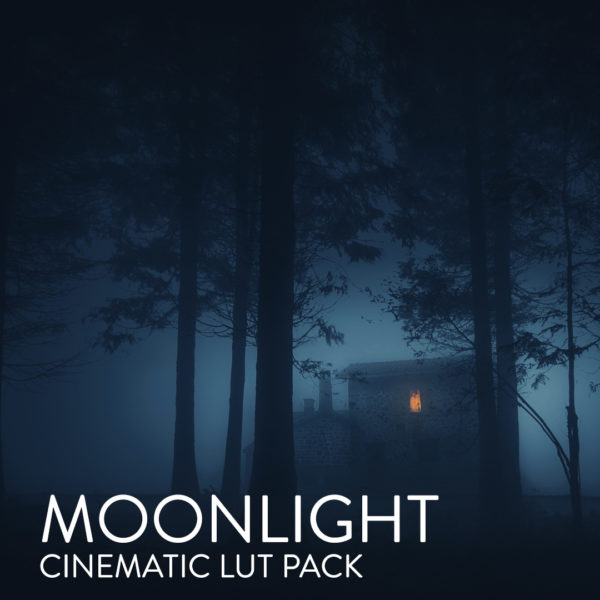
The Moonlight Collection is optimized for night footage, delivering crisp colors and unique contrast ratios suitable for low-light cinematography. The entire set has been carefully engineered to increase visibility and vibrancy while maintaining luminance for consistent black levels throughout. Each look offers a unique variance in hue, color balance, and contrast for maximum versatility amongst varying lighting sources.


THE CITIES MASTER PACK:
LOS ANGELES
Inspired by the city more artists call home than any other, each color emulsion included this pack captures the sun-drenched vibrancy of LA in its own stunning way. Warm midtones and lifted shadows give several looks that unmistakable LA haze, while bold contrast ratios and unique fades give other looks a gritty, timeless charm.


NEW YORK
This set captures the electricity of the city that never sleeps by delivering punchy images that command attention, while still remaining understated and subtle. Cool color palettes, crisp shadow to highlight ratios and natural hues give each look in this set that classic New York feel.


PARIS
Many of the best filmmakers and photographers in history emerged from the great city of Paris, and the timeless looks included in this set pay homage to them. Lush, vibrant hues, unique color pairings, and carefully plotted color contrasts permeate each one of these dynamic, artfully crafted LUTs.


THE AUTEUR MASTER PACK:
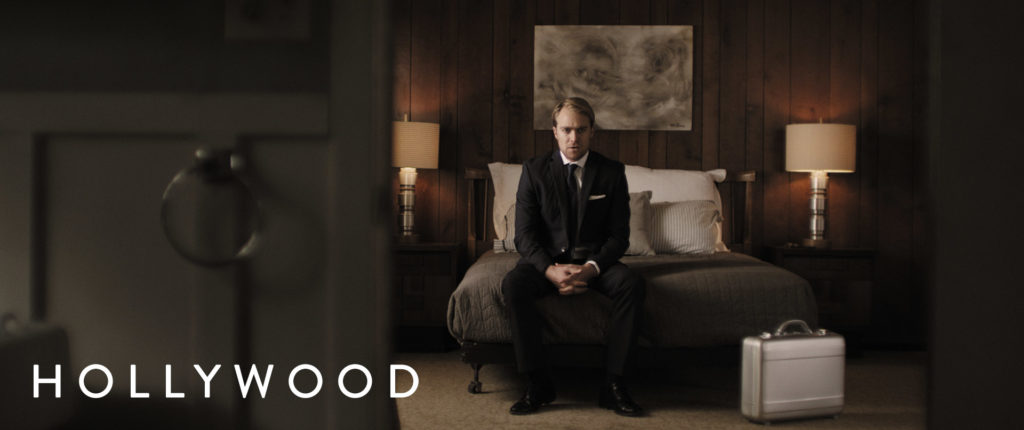
HOLLYWOOD
The timeless looks included in this pack draw inspiration from the most stunning films to ever emerge from the Hollywood studio system. Several looks combine natural contrast with vibrant color palettes, calling back the early days of motion picture color film. Other looks simultaneously reduce shadow saturation and increase skintone vibrancy to create a more contemporary, understated mood synonymous with modern masterpieces. Whether you want to channel the unmistakeable feel of the golden age of Hollywood, the grit of the 1970’s blockbuster era, or the clean perfection of today’s greatest motion pictures, this pack will have you covered.



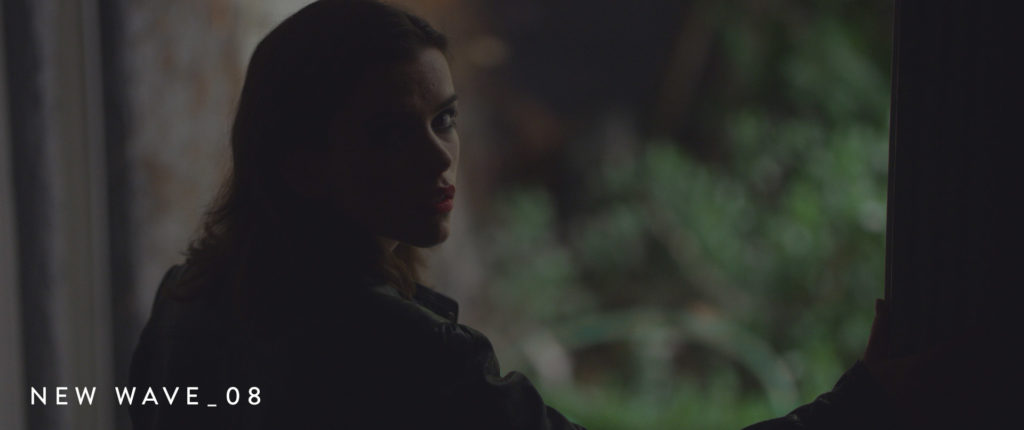
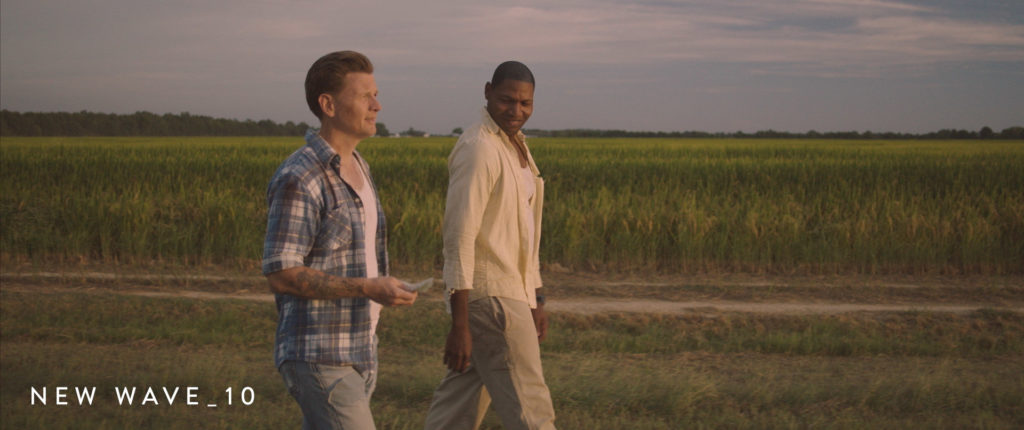
NEW WAVE
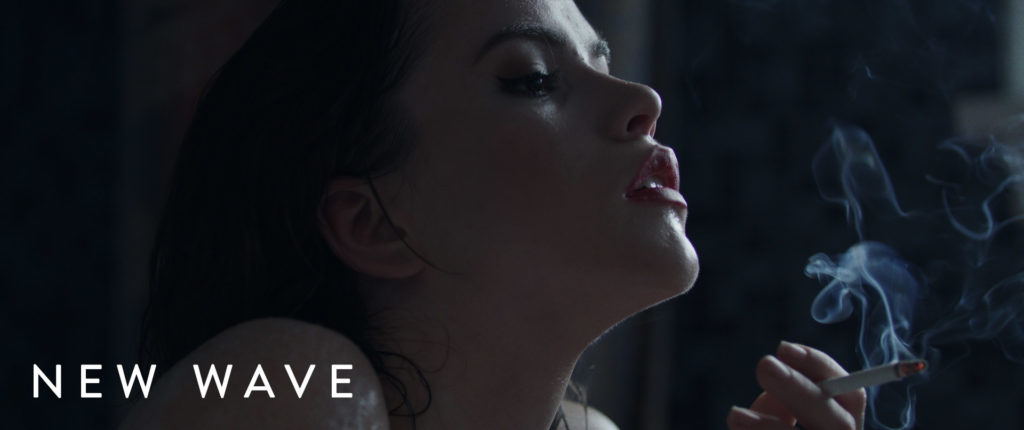
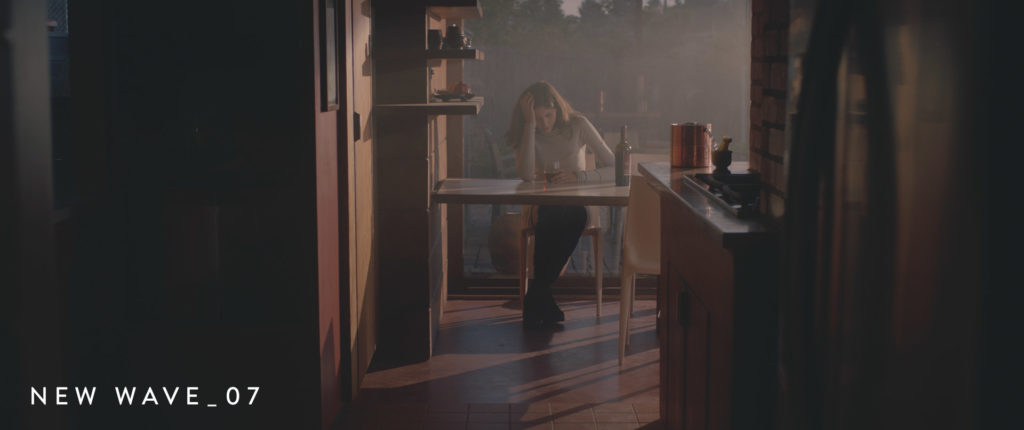
The French New Wave marked the re-invention of cinema as we know it, and this pack aims to call back the jaw-dropping looks made famous by the true renegade filmmakers that led this movement. From low contrast looks that are flattering even under the harshest sunlight, to high contrast looks with curved highlights for a softer rolloff, the unique combination of LUTs included in this set truly offer a tremendous amount of variety. An unmistakable energy, confidence, and subtlety is embedded into each look included in this pack.
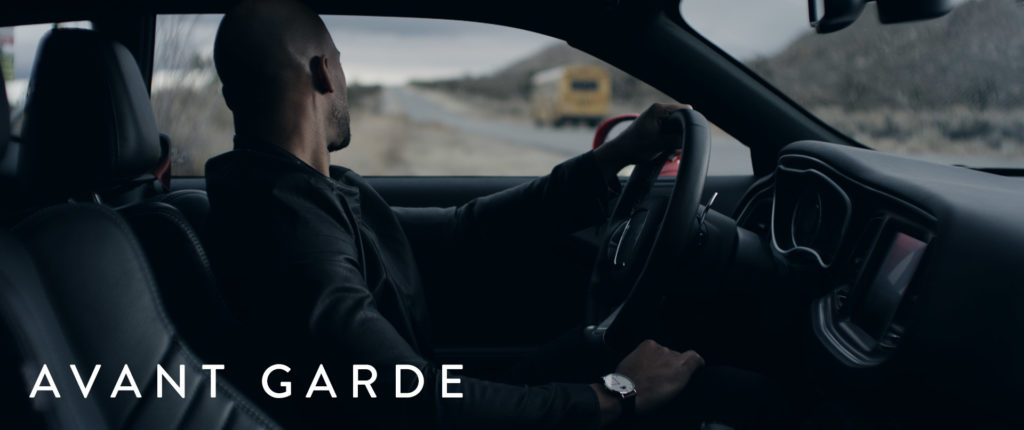
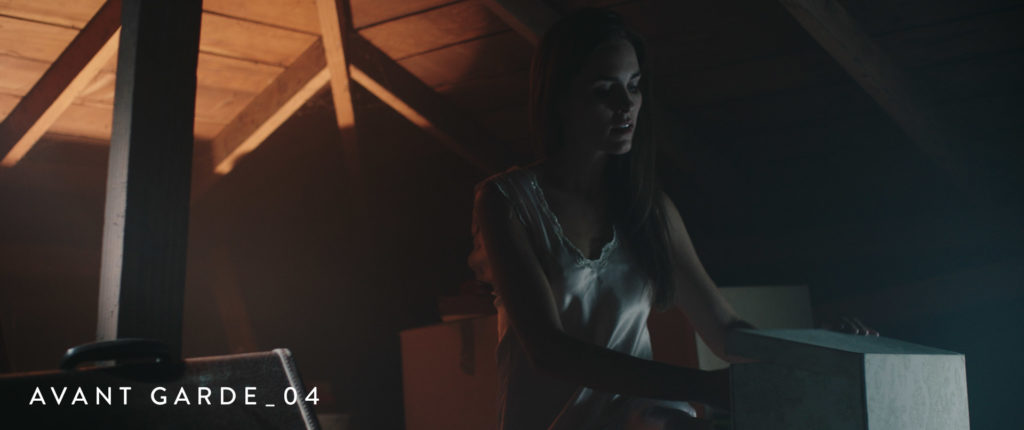
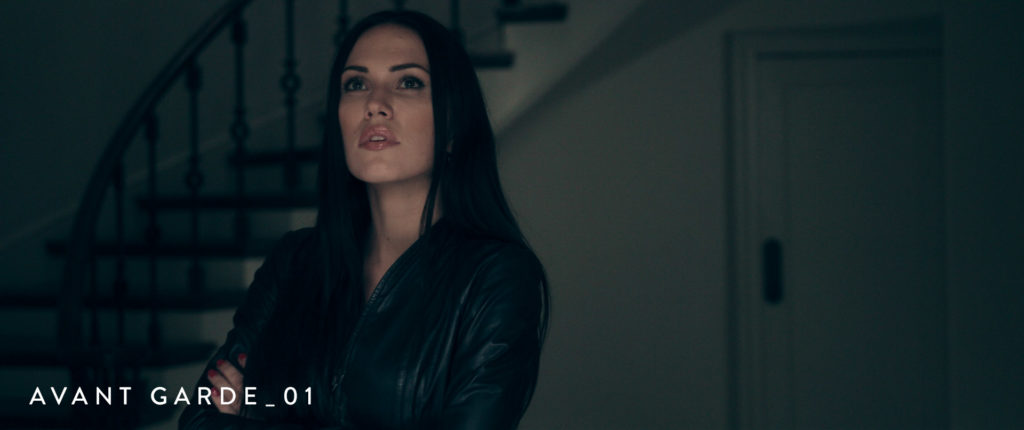
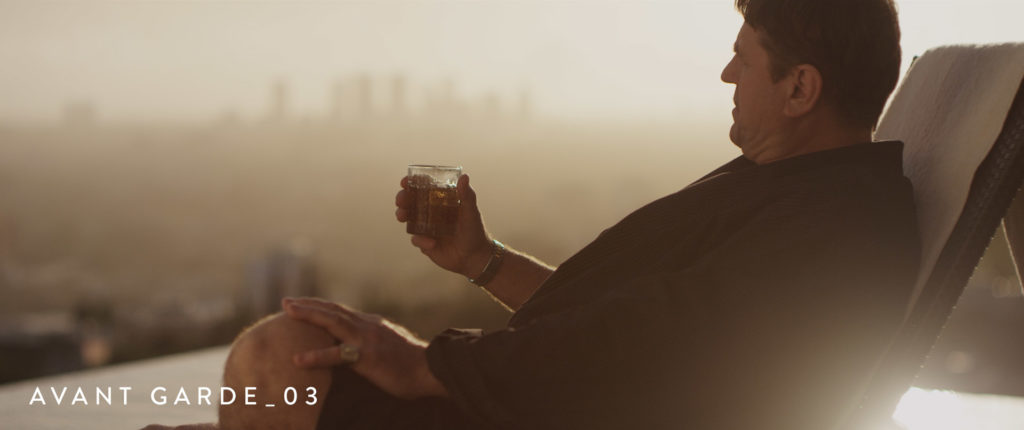
AVANT-GARDE
Inspired by the most daring indie films that are renowned for pushing the boundaries of modern cinema, this pack delivers unmistakably chic color palettes that are a perfect match for any contemporary film project. Many of the ultra-modern LUTs included in this set combine crisp blacks and bright whites with subtly balanced color profiles for a muted aesthetic. Other looks included in this pack are more stylized and have roots in low contrast celluloid and bleach bypass film processing, providing endless opportunities for any filmmaker that lives on the bleeding edge.
Auteur Master Pack Demo Video
THE GENRE MASTER PACK:
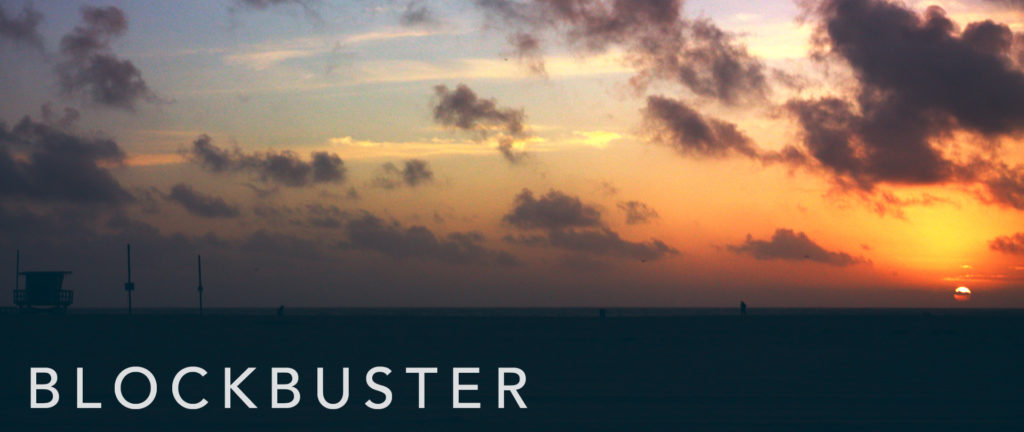
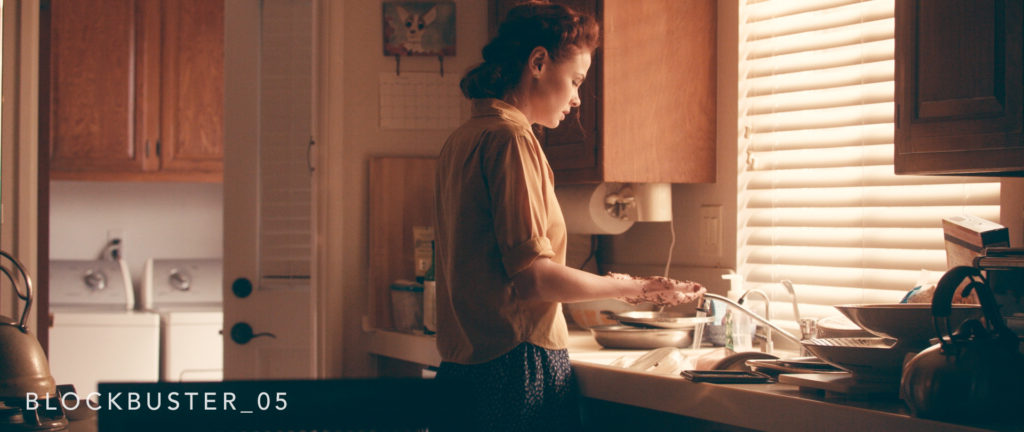
BLOCKBUSTER
Each of the stunning looks included in this pack have been designed to deliver the big budget aesthetic, all in their own unique way. Some looks combine cool, slightly lifted shadows with warm highlights for that staple Hollywood “teal and orange” look, while others employ unconventional color and contrast combinations to make an unmistakeable dramatic statement. Whether applied to your next thriller for that legendary blockbuster look, or used on a dramatic film to add an electrifying vibrancy to your scenes, these looks will deliver unprecedented results every time.


ART HOUSE
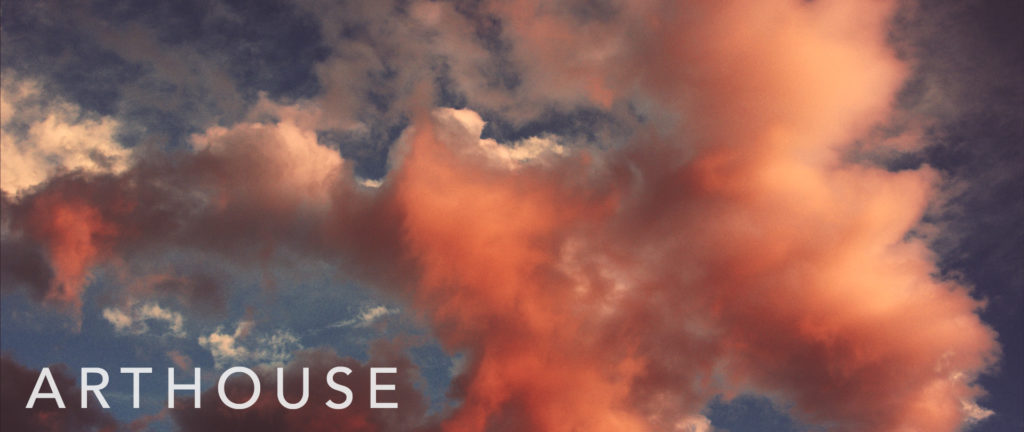
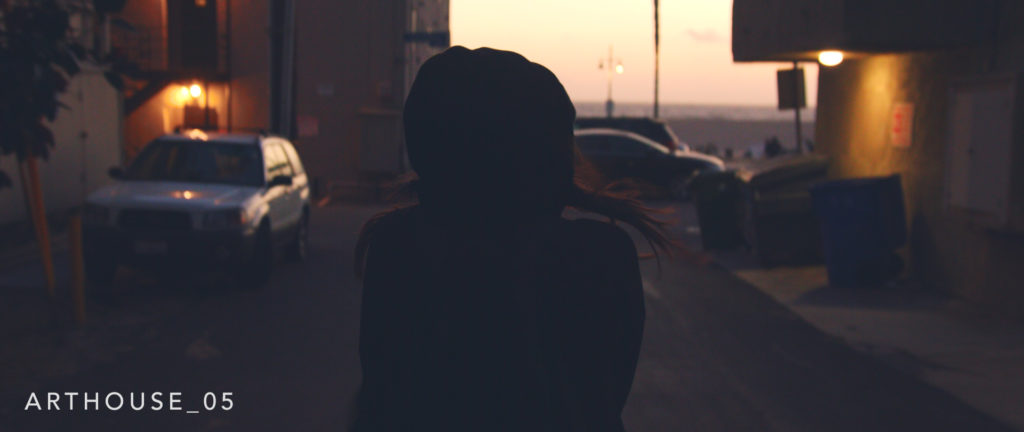
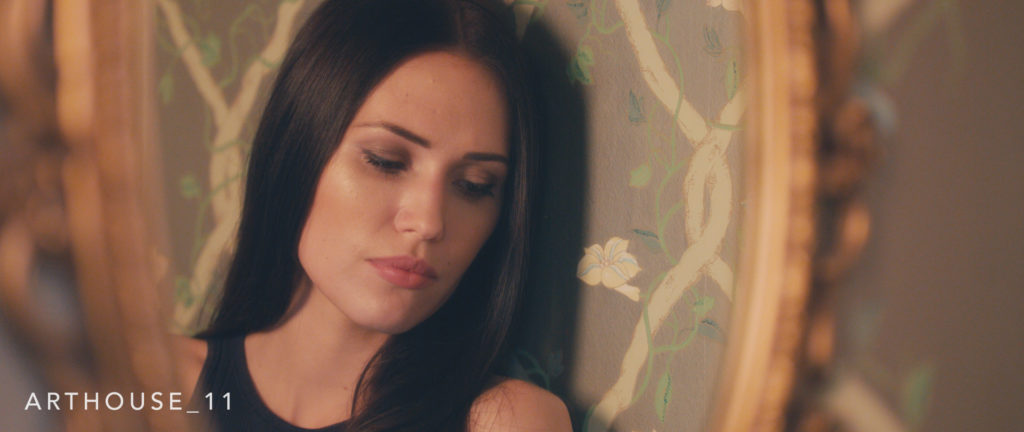
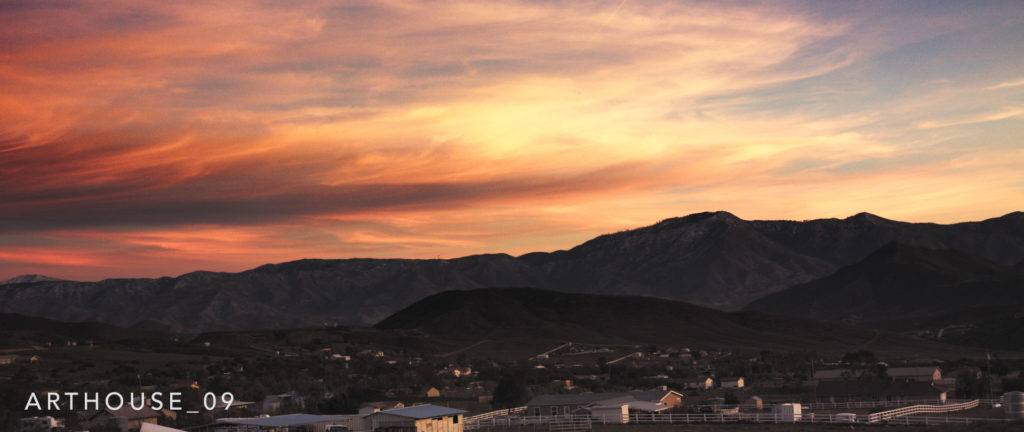
Inspired by the color palettes of some of the most beautiful international art films of all time, each look included in this pack is designed to add a touch of subtle beauty to each and every shot they touch. Several LUTs pair a warm color balance with unexpected contrast ratios for a gorgeous, romantic look. Others offer a more contemporary artistic expression by delivering subtle, organic colors that evoke a melancholic emotional undertone. Whichever look you choose to apply, you will undeniably discover the same artful intention behind each one.
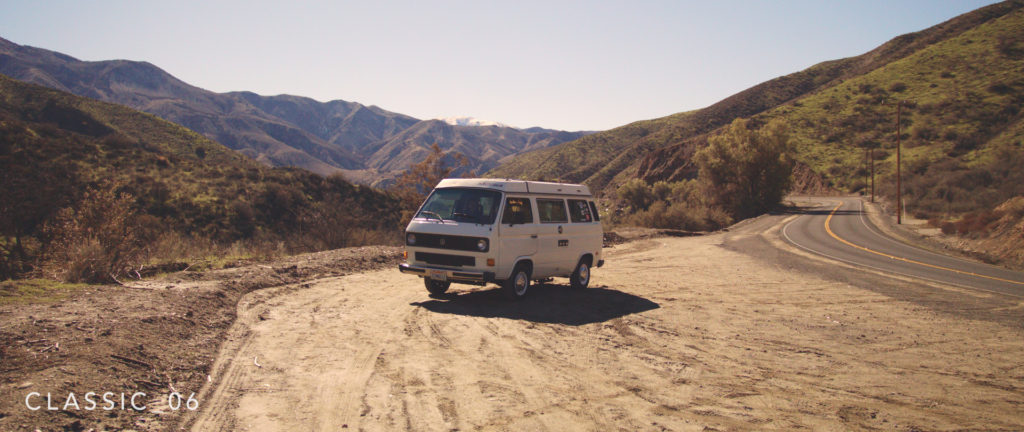
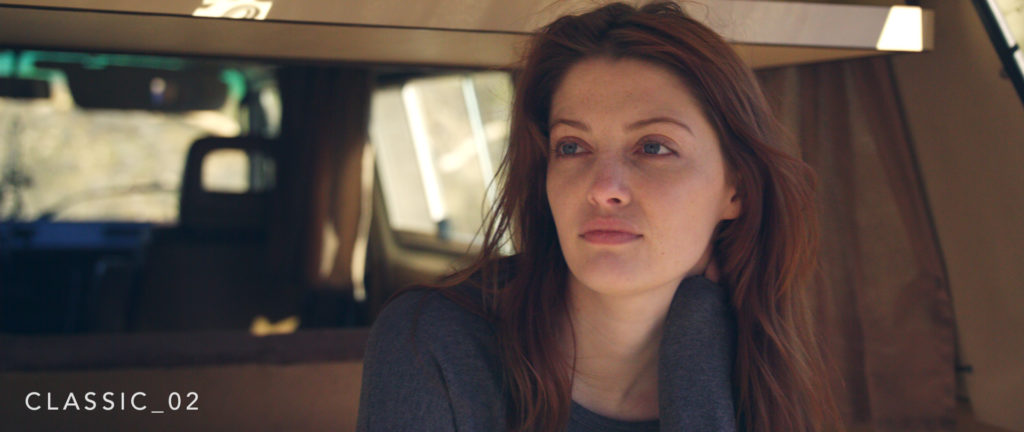
CLASSIC
These elegant looks have been carefully crafted to deliver the authentic color quality and balance of true motion picture film, and are bound to captivate your audience with their subtle tones. Each look will enhance skin tones, balance vivid colors, and add a slight contrast to your images, resulting in striking images that are truly unforgettable. With equal inspiration drawn from today’s current film stocks and those from years past, each timeless look embodies the essence of cinema in it’s more pure form.


Genre Master Pack Demo Video
THE ORIGINAL MASTER PACK:
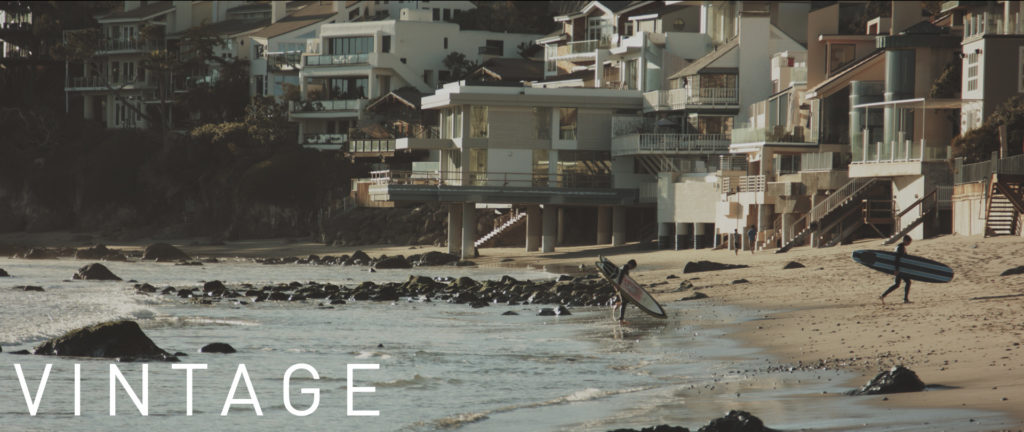
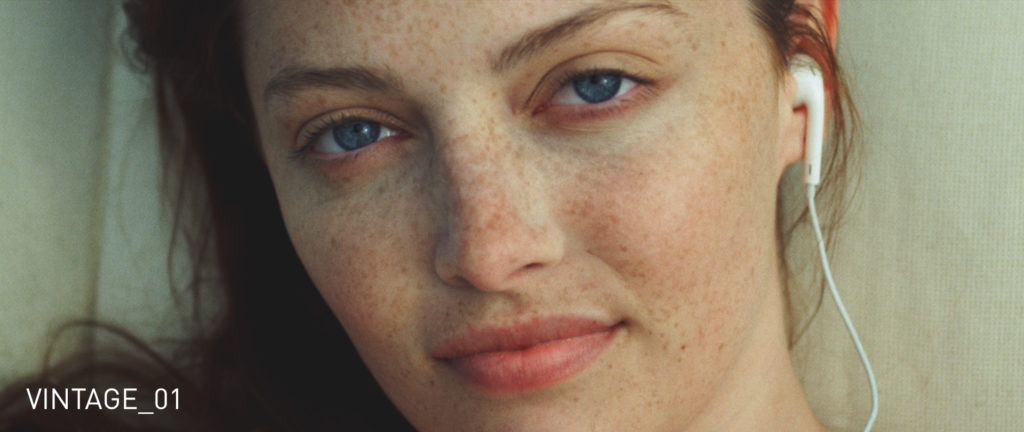
VINTAGE
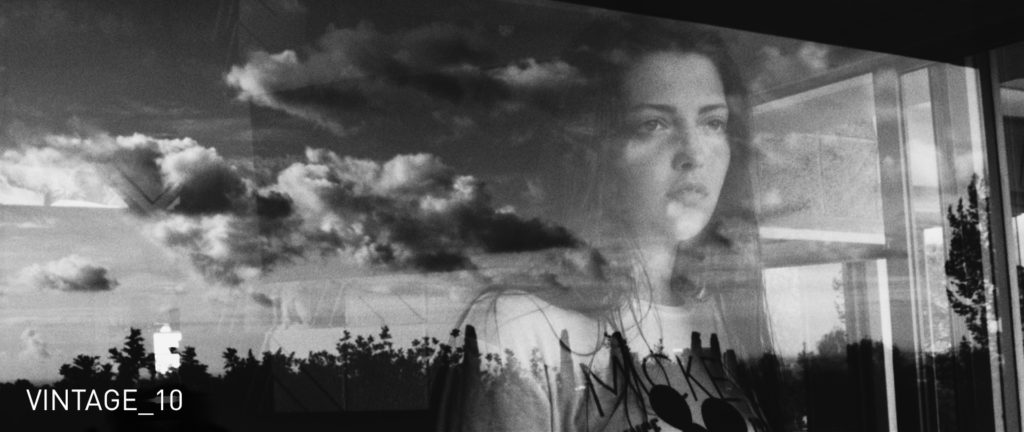
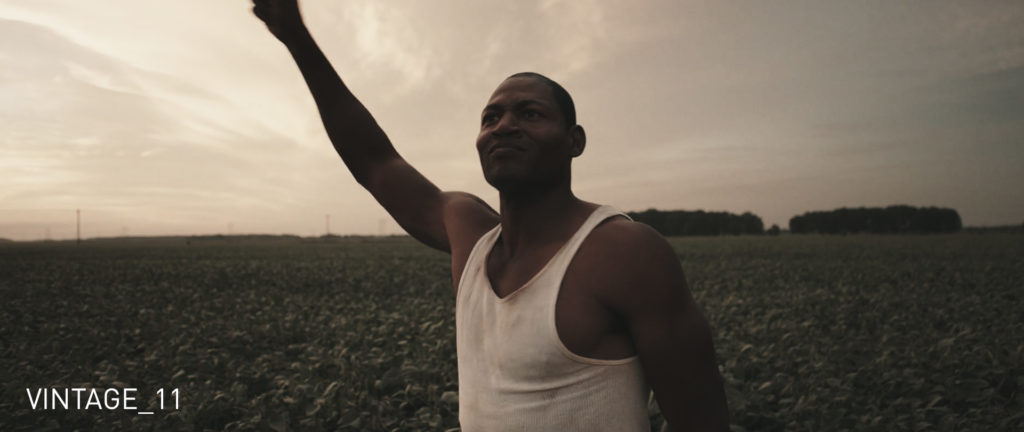
The timeless looks included in the Vintage Pack are specifically designed to evoke the feeling of nostalgia in the viewer. Warm, desaturated tones on certain LUTs call back a mid 1970’s vibe, while the stark black and white aesthetic offered on another creates a powerful film noir look. In this pack you’ll also find a poppy and colourful 1960’s look, a washed-out & faded film look, and much more. These looks are perfect for adding that unique vintage quality to your footage, even without using any film emulation.
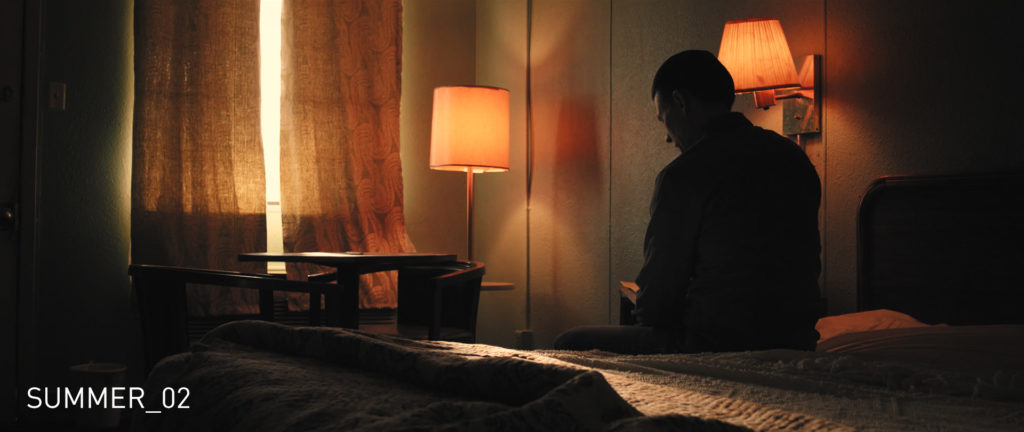
SUMMER
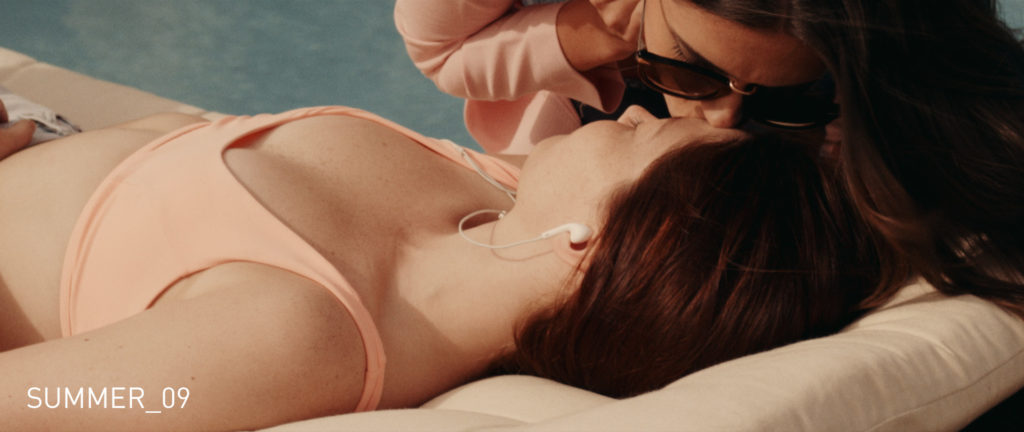
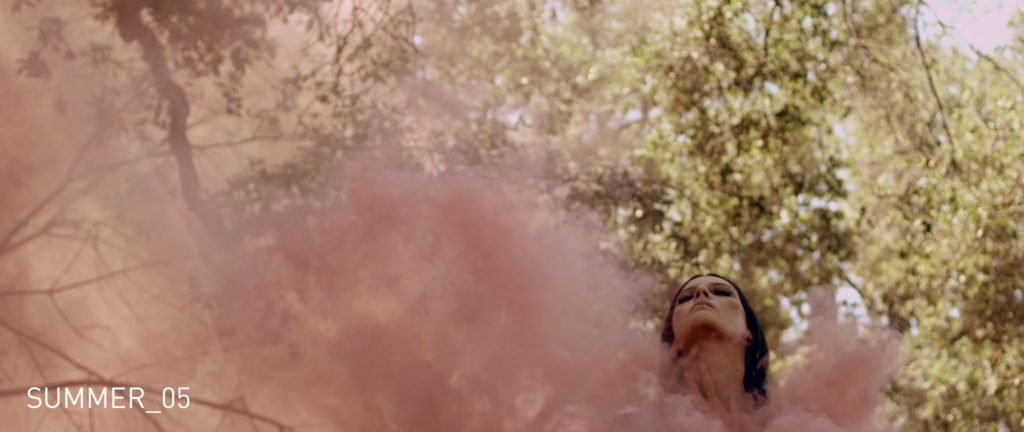
Each and every one of the looks in the Summer Pack is designed to deliver a beautiful, warm aesthetic in their own distinct way. Some looks combine lifted shadows with varying degrees of warmth to create a soft, hazy look, while other offer a more raw, punchy aesthetic that is undeniably bold. Whether you just want to add a touch of warmth to your footage to make it more inviting to the viewer, or you’re looking to create the look of a total heat wave, this pack can do it all.

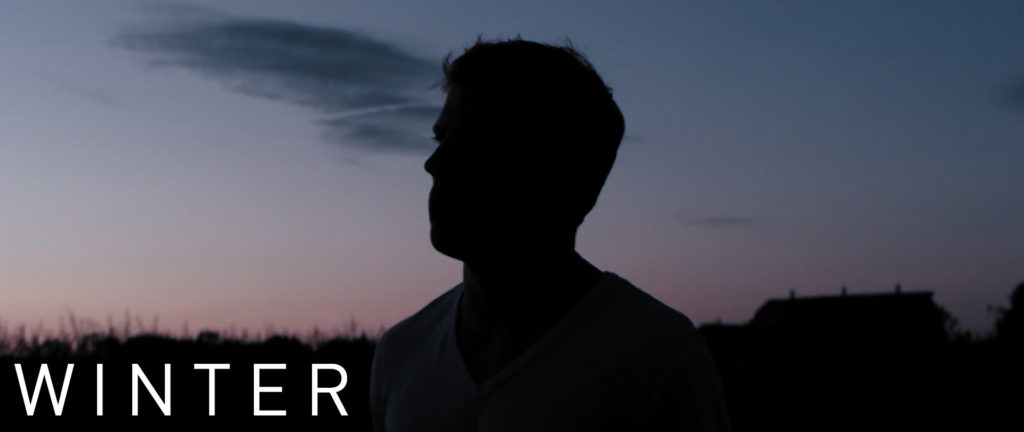
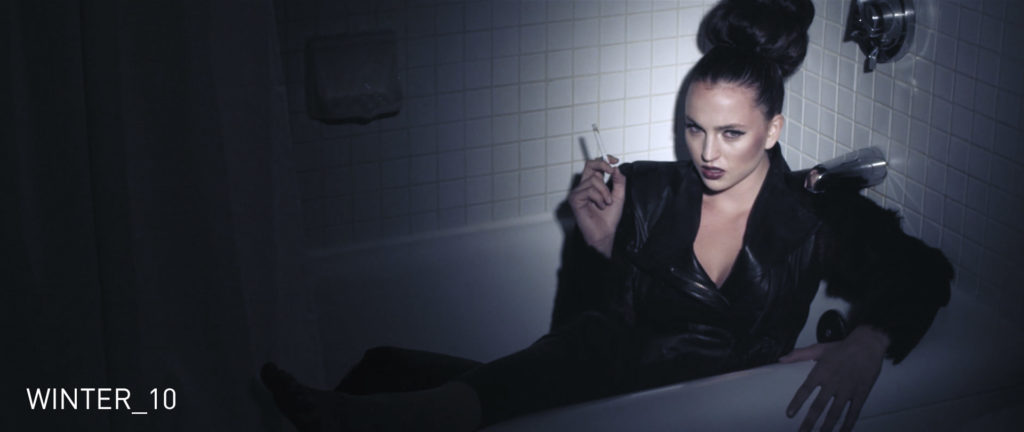
WINTER
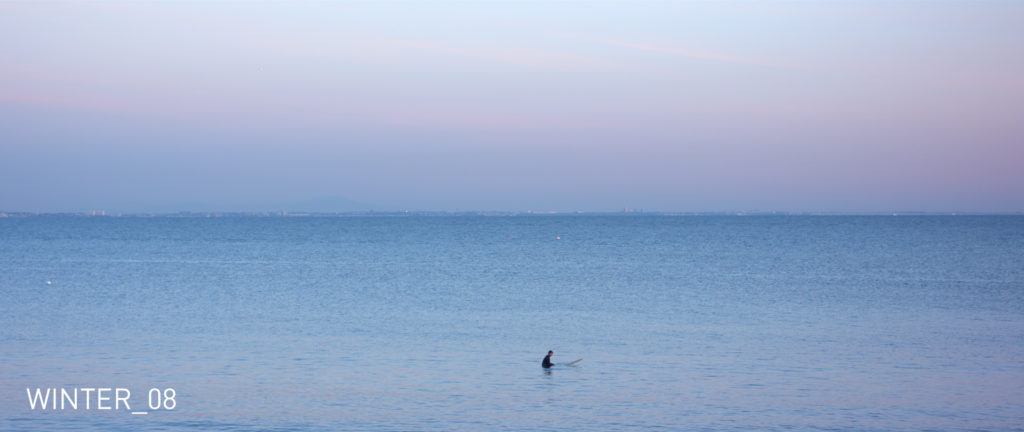
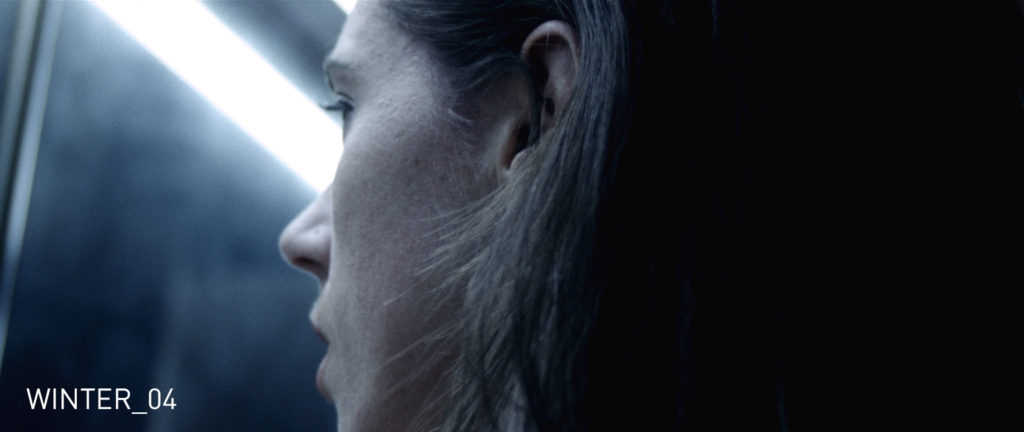
The looks included in the Winter Pack have been carefully crafted to deliver beautifully cool tones across the board, and are designed to evoke a slightly unsettled feeling in the viewer. Some looks utilize heavier contrast in combination with an ice-cold color balance to leave their mark, while others take a more subdued approach by reducing contrast and limiting the cold-tones to more specific areas of the color spectrum. No matter which LUT you apply from this pack, you can expect a chilling look that still feels organic.
Original Master Pack Demo Video
Many similar LUT packs sell online for well over $300, but in the interest of allowing these LUTs to reach a wider audience I have priced them at only $36 per pack. Additionally, bundled Master Packs of 3 can be purchased together for a discounted rate of $89.
The packs themselves each come with 12 individual LUTs (or 36 LUTs if you purchase a bundled pack), all of which come as .cube files – the industry standard file type for LUT management.
In addition, you will receive a 4 page PDF with your purchase that will provide instructions for installing and applying your LUT files in various software programs, including: DaVinci Resolve, Adobe Premiere Pro, Final Cut Pro X, Avid Media Composer, and Adobe Photoshop.
To purchase the packs individually or together, you may do so using the links below. Happy coloring!
LIGHTS PACKS
CITIES PACKS


AUTEUR PACKS


GENRE PACKS



ORIGINAL PACKS




162 Comments
Collin
atHey man! Love the luts. I’ve bought a lot of them. I would love to see your work flow for preparing your footage for applying luts.
Noam Kroll
atThanks so much, Collin! I will definitely do a video tutorial on this soon.
Cody
atI don’t normally comment, but we we’re thrilled with the Summer Luts. We’ll definitely be purchasing others in the future.
Curious… Do you have non-profit pricing?
Noam Kroll
atThanks so much, Cody! Really glad you’re enjoying them. I don’t have non-profit pricing set up, but email info@cinecolor.io with your request and we’ll see what we can do.
Todd
atNoam,
Any advice on trying to match the colors of a FS7ii and an A73? I have agonized over trying to get the base colors the same with no luck. Tested and tested and corrected and corrected and failed. Have you found any solutions or have you had to correct for the two cameras? They are dramatically different, and I’ve tried various profiles and HG and LOG profiles and just buried myself.
I’m definitely going to pickup some of your looks, they are really beautiful. Thanks for sharing with all of us. Well worth the price!
Noam Kroll
atHey Todd! I can’t say off the top of my head, but feel free to email samples of the images to info@noamkroll.com and I’ll see if I can be of more assistance…
Joe
atHi Noam,
Awesome LUTs! Looking at picking up your Genre pack. Just for the sake of a baseline, what camera(s) did you use for the Genre pack video? https://vimeo.com/207567277
Thanks,
Joe
Noam Kroll
atThanks so much, Joe! Those shots were taken with the URSA Mini Pro 4.6K.
AK DP
atHi,
What if I don’t shoot in Log, (Sony a7iii) but I’m shooting in Cine 4 profile? Are the luts best used in log colour profile only?
Noam Kroll
atThey are great for any color profile! Just balance your image first in your editing software so that it looks neutral, and then apply my LUTs!
Charlie Cole
atHey Noah,
Do you use these LUT’s as monitoring LUT’s on set? Or would you recommend monitoring with a base 709 LUT then applying these later (maybe to dailies after a 709 conversion LUT?)
Have a shoot coming up and looking for a LUT, but want to make sure we can view it on set so that we’re lighting in a way that will enhance the LUT.
Any advice?
Thanks, you’ve created some beautiful LUT’s here 🙂
Charlie
Noam Kroll
atI do occasionally, it just depends on the project (and whether or not I have clients looking at the monitor). These LUTs will certainly work with any monitor that supports .cube files, so you can absolutely monitor with them if you choose to.
Daniel
atGreat work, Noam!
I’m looking forward to three things:
1. A dicounted bundle with all lut packs.
2. Ability to mix and match tree packs at the discounted price.
3. A black friday sale.
😀
Noam Kroll
atThanks Daniel. I am working on getting all the LUTs onto a new platform that will do all this (and more). Stay tuned!
Hunter Floyd
atI want to buy the ultimate pack, BUT I’m curious if you have anything else coming out soon!
Noam Kroll
atI do have something else in the works… But these aren’t going anywhere – they work incredibly well!
Carlos
atHi Noam
I normally take my footage from a DSLR Canon 5D mark iii or a Dron DJI MAVIC2 PRO, and I edit it in FCPX and use Cinema Grade for LUTs.
Which one of your LUTs would be suitable for this set up of cameras and software?
Thanks in advance!
Noam Kroll
atHey Carlos! I would recommend my Auteur Master Pack as a starting point if you haven’t used any of my LUTs. It’s the most current, and you can work backwards from there to try out the other packs too if you like what you see… 🙂
Warren Marshall
atHi Noal,
I’m using a CANON 5D3, so what setting would you recommend I shoot in? Raw or Neutral? Will your LUTs be easy to add when editing in Premiere Pro?
Thanks
Noam Kroll
atHi Warren – I would shoot neutral, and yes my LUTs are very easy to add in Premiere! They come with instructions for how to apply them in all major software.
Michael Ezra
atHi Noam,
Can these LUTs be used in camera Raw / Lightroom (now that both support LUTs in XMP format)?
Noam Kroll
atThey can be converted for Lightroom (using free software), and I am working on releasing full Lightroom versions very soon. Stay tuned!
David Fedele
atHi Noam, these look great ….
Before I purchase, I just wanted to ask – I am a dinosaur, and still using Final Cut Pro 7 to edit. Will these LUT packages still work in FCP7?
Also – I wanting to try to achieve the look of the early HD cameras, for example the Panasonic HPX171 (https://www.panasonic.com/in/business/broadcast/camera/p2-hd/ag-hpx171.html)
Here are a couple of samples of the “look” I would like (shot with this camera):
– https://youtu.be/H1p1H-8DxSA
– https://vimeo.com/92496788
I am currently shooting with a Canon XF100.
Many thanks in advance.
Noam Kroll
atHi David! Yes, the LUTs can be used in FCP 7, you will just need a LUT loader plugin to make it work. Please let me know if you have any other questions!
rajesh
athi noam..Thank u so mush for ur valuable lust…its help me lots in my color grade…….
Noam Kroll
atSo glad to hear! Enjoy!
Marius
atHi
Yours Luts seems really great
—
Is it possible to use your LUTS with Premier pro ? Simple installation ?
And most important possible with Fujifilm camera, sadly not X-T2 flog but with flat Pro Standard of X-T20 or X-E3 ?
—
Thanks
Noam Kroll
atYes of course! There are instructions with the LUTs that explain how to use them in Premiere. It’s super easy. And yes – you can use the LUTs with any camera, including Fuji’s. I use them with my XT2 (not in F Log) all the time.
Mehmet
atHi. Can I use panasonic gh5 in vlog l. Can you add a sample lesson about how to use Adobe Premiere? or if I prepare and present such a video, I can buy it
Noam Kroll
atHi Mehmet! Yes, you can use these LUTs in Premiere and with V-Log footage. You just need to add your translation LUT first, and then my creative LUTs. When you purchase them, you will receive a PDF file explaining how to load the LUTs in Premiere.
Lydia Z
atThese are GORGEOUS!! Do you have an ultimate bundle? Because DAAANNNGG! 😍
Noam Kroll
atThanks Lydia! I am actually bundling them all together for the first time with my color grading course, which is available for pre-order now! Check my recent blog articles and you’ll find a link on the “Color Grading Masterclass” post.
Lydia Z
atBless you! 🙌🙌🙌
P.S. Dang, you are a quick responder!
Noam Kroll
atAny time 🙂
Chris
atHi Noam, quick Q:
I am starting to shoot wedding films & was wondering which of your LUT packs would best serve the varied footage? I could send you references? Thanks in advance!
Noam Kroll
atThanks Chris! Any of the Master Packs (Auteur, Genre, or Original) should have you covered. I tried to make sure each set of 3 had looks to cover almost all your bases. That said, for weddings – if I had to pick only one, I would suggest the Auteur collection.
Why “Soft Clip” Is A Key Ingredient For The Cinematic Look + How To Easily Apply It In Post | Noam Kroll
at[…] Color LUTs […]
Christain Sainz
atHey, Noam!
I was hoping to emulate the look and feel of Paul Thomas Anderson’s The Master (2012). Which LUT pack do you think would work the best for helping achieve a color close to it?
Also, love your blog and products! If you find the time and opportunity to add a 70mm film grain to your line of overlays, please do! That would be amazing! 😀
Noam Kroll
atThanks Christian! I would suggest my Auteur collection, as it includes several looks (across the three packs) that somewhat muted, but still very bold – similar to the color palette you’re after.
Mario
atHello,
Do you need a lut loader for FCP X? I have so many diffrent one’s already. Why cant they make ONE lut loader for all diffrent lut’s? 🙂
Im filming with the Sony FDR-AX700, will they work there too?
Noam Kroll
atNo! The new FCP X has a LUT loader built right it. It works really well and is extremely easy to use. And yes, you can absolutely use the LUTs with your camera. They are universal!
Remy
atHi Noam,
I bought some of these and looking forward to using them.
I just got the MicroStudio4k (should’ve gone Micro Cinema but wanted re-frame option so…) and 7inch Assist and have loaded in 3DLUT slots. Love em’!
I read the comments and seems the workflow would be:
1)Apply a flat LUT in 7inchVA or Balance footage in Resolve
2)THEN apply your LUTs
yes?
If the above is true is there a specific LUT i should make to give me the flattest color before applying these? If so, could you point me to them?
Noam Kroll
atThanks for the support Remy! Glad you’re enjoying the LUTs. If you are shooting your footage in Log, then yes – you will add a conversion LUT first, and then one of my LUTs. But if your footage is shot in a standard color space (such as Rec 709), you can just apply my LUTs straight to the material. Please let me know if you have any other questions!
Kendra
atHi Noam,
I’m a film student and will be editing my short film on my school’s computers as well as my personal laptop, so I’m wondering if it’s possible to purchase one of your LUT packages and then download them to use on two computers? Thanks!
Noam Kroll
atOf course! You can use them on as many of your computers as you would like.
Japanese
atFree’s S-log 3 LUT was very nice.
Does Pay CINEMATIC LUTS adapt without problem with S-log?
Noam Kroll
atYes! You can use them with S-log footage. You just need to add a Rec 709 – S-Log conversion LUT first, and then add one of my creative LUTs. Enjoy!
Eddie Lagos
atHi Noam, I am a beginner, and I was wondering if you could point me in the right direction for learning more about the technical side of video. Learning about log, luts, codecs and so forth. I own an Fuji X-T2.
Noam Kroll
atHi Eddie – Thanks for the note! I have quite a few articles on this site about the topics you just mentioned, including a recent video tutorial you might enjoy about using LUTs in post: https://noamkroll.com/video-tutorial-using-creative-luts-in-your-color-pipeline/
The One Thing I Always Look For When Framing An Image | Noam Kroll
at[…] Color LUTs […]
Leo
atHi
Will these looks work on sony 7s slog2, can they reduce that red noise in shadows?
Are there any free/test luts?
Tnx
Noam Kroll
atAbsolutely they are compatible with Sony A7S footage that is shot in slog2 – and any other camera footage for that matter! You would just want to add an slog2 to Rec 709 LUT to your footage first, and then add one of these cinematic LUTs to the footage afterwards. No color LUT is able to reduce noise, but once your shadows are crushed (using the slog2 to Rec 709 LUT), you should be able to hide a lot of your noise in the crushed shadows.
The Auteur Collection: My Latest Cinematic LUT Master Pack Is Available Now! | Noam Kroll
at[…] Color LUTs […]
First Impressions Of The Lumix GH5S For Filmmaking & Why I Would Stick With The Original GH5 | Noam Kroll
at[…] Color LUTs […]
Nicholas Laning
atSuperb LUTs, Noam. I appreciate you and your work. Thanks for sharing it with us.
Noam Kroll
atThank you so much Nicholas. Enjoy!!
Priscilla Grey
atHi Noam,
These look amazing.
I’m shooting Slog3 Green Screen. Do you have a LUT that would work best to pull great keys?
Thanks,
Priscilla
Noam Kroll
atThank you so much! Any of these LUTs could work beautifully for your needs, however you will definitely want to pull your key first, and then use the LUTs to make your composited footage look more natural and organic.
Jody
atHi Noam,
I’m pretty new in all the beautiful things you explained and posted here. For that reason I’m a bit confused: in another post I’ve read about the xt2 and the in camera film simulation; let’s pick chrome. How can these lut’s have the same result on chrome footage as on flat raw footage?
Noam Kroll
atThank you Jody! These LUTs are universal, so they will add a stylistic look to any footage you shoot on any camera. Every camera has its own unique color qualities, which is why I recommend first color balancing your footage so it looks neutral, and then applying these creative LUTs. And specifically, if you are shooting on the XT2, you might be ant to consider using the Pro Neg Std profile (instead of Classic Chrome) as it is more neutral looking straight out of the camera. Thanks again!
Tristan
atHello Noam Kroll!
I Hope you could develop a Cinematic look specifically for Asian skin tone 🙂
Noam Kroll
atHey Tristan! All of my LUTs are actually tested on multiple skin tones to ensure maximum compatibility. My philosophy is to make sure they are as universal as possible, so that anyone can use them on virtually any type of footage.
Why Color Contrast Is Essential For The Cinematic Look + How To Capture It On set | Noam Kroll
at[…] Color LUTs […]
Lucalex
atHi, Noam! I’d like to purchase blockbuster, classic, summer and winter luts. Could I use them with atomos shogun? Thanks a Lot!
Noam Kroll
atAwesome! Enjoy them… And yes – they will absolutely work with your Shogun.
BAYLE
atHi Noam,
First I would like to say that I found you content really interesting on the blog, it’s really on point !
I have question, are the package luts also useful to baked in the look and import it before a shoot in the monitor to be able to match each shots in the same look?
For example, I have a 5 days shot in a run & gun situation where I will have many different lights situations and locations and I am gonna shoot with my A7s mark 1 in slog2 with Atomos ninja flame monitor.
So for example I find the vintage luts package interesting but are they also made to be use on set by import one or more with a flat picture profile ?
I will appreciate your sincere answer !
Thank you !
Noam Kroll
atHey There! Thanks for your interest in the LUTs. To answer your question – Yes, the LUTs can absolutely be used to monitor or bake in a color profile on set using a camera or monitor that supports LUTs. I would also add that you should keep in mind that whether you are using LUTs or not, to get the most consistent image you will still need to ensure your lighting ratios and color temperatures on set are consistent. As long as you are lighting your shots/scenes in a similar way, the LUTs will absolutely help you to achieve a consistent look across a wide variety of shooting situations. Best of luck!
Michael Alejandrino
atHi Noam,
These are amazing! What’s your take in mixing these LUTs with a FilmConvert grade? Will it still work or will it be redundant in using both?
Also do you have a color grading workshop coming up soon? Thanks!
Noam Kroll
atThank you so much, Michael! You could certainly use these LUTs in combination with other plugins as you mentioned – they are designed to be really versatile and adaptable in that way. I have been asked a number of times to create a color workshop, so it’s certainly something I am considering. I will keep you posted if I release one in the future!
Kris
atDear Noam,
I have stumbled upon your blog for the first time today and I would just like to say how inspired and excited I am to now get out and experiment with film.
Your Arthouse 12 LUT is very similar to one that I have been imagining in my head for a while now, so great that I will now have access to it.
Thanks a lot and all the best,
Kris
Noam Kroll
atSo glad to hear, Kris. I greatly appreciate the feedback and enjoy the LUTs!!
Christian Palm
atHi Noam,
your color styles e.g. LUTs look awsome. Could I use them with Photoshop CS5? Or Capture One? Or Nikon NX-D? In case of any yes I am a new customer of yours! I also like your blog and your short films, very inspiring work.
Cheers from Germany, Christian
Noam Kroll
atThanks so much Christian! You can absolutely use them with your Nikon camera footage, and with Photoshop. They are compatible with all software that allows custom LUTs (.cube files) to be loaded, which may include Capture One. Thanks again and Enjoy!
hasan salik
atHi,
I’m a Film student and I use canon 6D.
I usually decrease the contrast and saturation from camera settings while shooting because 6d doesn’t offer LOG
Kindly tell me which LUTs are suitable for getting film looks in Adobe Premiere CC
thanks.
Noam Kroll
atHey Hasan! All of the LUTs will work with footage from any camera, so I would recommend making your choice based on the style and creative looks that each pack offers. Enjoy!
Axel Lambot
atawesome thx 🙂
Noam Kroll
atThank you!
Alexander
atHi,
Do you have any advice for preparing footage from Magic Lantern before applying your LUT’s? Thanks.
Noam Kroll
atHey Alexander! My advice would be the same as with most other footage, in that you should balance your image before adding these LUTs. In other words, make sure you adjust your contrast, saturation, and white balance first and then apply the LUT so they are being applied to footage starting from a neutral point. Good luck!
Pete
atAwesome, thanks so much, perfect!!
Noam Kroll
atAny time! Enjoy!
Pete
atSorry if I missed this in one of the other comments or descriptions, but do your LUTs work with Avid Media Composer? Thanks!
Noam Kroll
atHi Pete! Yes – the LUTs will absolutely work with Media Composer. You can add them using the “Color Management Settings” panel by clicking the “Install LUT” button. Please let me know if you have any other questions at all.
Chloe
atThese are amazing! I am shooting on an a7sii and have been using these LUTs on my wedding work. SO GOOD! If you love that cinematic look and want to save yourself some time in post- GET THESE!
Noam Kroll
atThank you Chloe! Always happy to have such a satisfied customer 🙂 Use them well…
Mark
atHello Noam, I am so happy that I found you online. I intrigued and impressed with your work! I have not used LUTS with my work. I typically shoot a little flat (C100 DR8) grade in post and add Film Convert. How is working with LUTS different than Film Convert? When using LUTS, do I add them as an effect or overlay? Thanks man!
Noam Kroll
atHey Mark! Thanks so much for the kind words. Tools like FC are great, but they are designed to emulate the look of different film stocks. My LUTs on the other hand, are designed to deliver a unique and cinematic color palette to your footage, and aren’t based off of any one film stock. I personally find that film emulation can sometimes look a bit too heavy (or obvious) on digital footage, especially when used at full strength. These LUTs are designed to work on any shot from any camera, and generally take a more subtle approach… Hope this clears it up for you, and thanks again!
Austin Young
atHello Noam,
I just had a question and would like to here your input. I’m about to make a short and its going to be black and white, just wondering if you think it be better to shoot in color and then change to black and white or just shoot first in black and white, with just the settings on a canon 60d?
Noam Kroll
atI always suggest capturing in color and then going B & W in post! Unless you are using a monochrome RED or Alexa. But on a DSLR, definitely give yourself the option to do it in post as you will have far more flexibility. Good luck!
Ken
atHey Noam, been reading through these comments. You mention applying a “Slog 2 – Rec 709 conversion LUT” if the person is shooting Sony Slog 2. Is this conversion LUT included in each pack? And would the same rule apply if I’m shooting Sony Slog 3 … use a “Slog 3 – Rec 709 conversion LUT”? What if I’m shooting Canon C-Log? Thanks.
Noam Kroll
atHi Ken! To answer your question: footage that is shot in any sort of Log color space should always be converted to Rec 709 before adding any type of creative color grade – including these LUTs. Depending on what camera and profile you are using, you will want to apply the correct LUT for your footage. Sony’s LUTs can be downloaded for free here: https://www.sony.co.uk/pro/support/software/SW_260216_PSG/1
Ken
atWoah, interesting. So if I’m filming in Sony Slog2, I’d add the “Look Profile for Resolve S-Gamut/Slog2” from you link (this converts the footage to Rec 709), and then on top of that add one of your LUTS? Thanks for the tips, Noam. Much appreciated.
Noam Kroll
atExactly! And happy to help.
Willy AG
atHi Noam,
I’m planning to buy your Luts but I have some questions.
The link is only applies To:
F65, F65, PMW-F55, PMW-F5, PXW-FS7, PXW-FS5, NEX-FS700R, NEX-FS700RH
I have a Sony A7Sii and I use Resolve, where can I have these translation Luts?
Thanks in advance
Noam Kroll
atHi Willy – the Slog to Rec 709 LUT is not camera specific. It is just converting the color space, so you can use the same LUT on the A7S II and the FS7, F55, etc. Hope this helps!
daniel
atHey Noam your images are amazing. Can these luts be applied to S log 2 shot an a a6300 or will they be better suited with another picture profile. Thanks.
Noam Kroll
atHi Daniel – thanks for the kind words! These can absolutely be applied to Slog 2 footage from an a6300. I would simply recommend that you first use a Slog 2 – Rec 709 conversion LUT to add contrast back to your image. From there, you can apply these LUTs for creative effect. Enjoy them!
ROSS
atHi Noam,
Decided to purchase your LUTs and they work wonderfully in Edius 8.22.
Superb!
Cheers Ross
Noam Kroll
atThanks so much Ross! Really glad you’re enjoying them, and I appreciate your support.
Anil
atHi Mr Noam Kroll I have one query with you. I have shot few shots in india for my upcoming project, in that forground skin tones is bleeching as in India day light is bright and sunny. Can you please tell me with out light I have shot the movie. Is your effects mentioned above will it work for me.
Regards
Anil
Noam Kroll
atHi Anil! The LUTs can definitely help you achieve nice warm, rich skin tones. The better your original footage looks, the better the LUTs will look when applied – so as long as your images are exposed correctly, these LUTs should work well for your needs. Good luck and feel free to share some before and after samples when you’re done.
Tyler
atNoam Stellar Luts! I’m very impressed. I think I already know the answer to this, but I’m going to ask anyway before I buy. I am shooting footage on a red scarlet and I wanted to know if your luts work with red files?
Noam Kroll
atThanks so much Tyler! Yes – you can 100% use these with your RED (or any other camera for that matter), since they aren’t camera specific. Feel free to let me know if you have any other questions. Enjoy the LUTs!
Jesse
atHey Noam, love these LUTs! Was reading through the installation guide and thought you or others might like to know that Premiere now has a “Creative” folder under “LUTs” where you can install the LUTs as output. Again, love these LUTs and are the best ones i’ve found for grading Cine-D footage from my GH4!
Noam Kroll
atThanks for the note Jesse! So glad to hear you have such positive feedback on the LUTs and I appreciate you sharing the Premiere tip.
Robert
atHi Noam! I am really liking the look of your Luts (from what I’ve seen online). I am shooting with a GH4, on cine-v per your recommendation. In the past I’ve tried working with luts, some made by myself, I also got impulz, but I got away from them because they would make my system incredibly slow and premiere lumetry would have a crazy lag. I know there is some documentation with the purchase of your Luts, but I’m wondering if it shows some recommended workflows. Even though I got a better editing laptop this time (MBP, mid 2015, 16GB Ram) I am just a bit worried about getting these and then just running into same lag problems.
Noam Kroll
atHi Robert! That’s a great question, and I can tell you that these LUTs are designed to be VERY light on your system and they can work on computer systems of nearly any speed. I have tested them on several computers, including an older Macbook Pro (2012) and they run very smoothly. With your mid 2015 MBP you definitely won’t have trouble playing them back on your NLE, assuming your footage already plays smoothly with no LUTs applied.
Rico
atWow they look great!
Noam Kroll
atThanks Rico! I’ve had a great response to them so far. It’s been amazing to see how they have been put to use on a lot of real world projects already.
Philip
atWill these work with the Sony A7s II with Slog2?
Noam Kroll
atAbsolutely – these LUTs will work with footage from any camera. For S-Log2 footage, you will want to first apply the Sony S-Log2 – Rec. 709 translation LUT and then apply any of these creative looks to get the best results.
Olan Collardy
atI’ve been skeptical about the new prevalence of folks making and selling LUTs recently but bought your SUMMER pack and I’m really impressed with the looks. Even used one of them for onset monitoring on the DP7 and it looked amazing! Now wishing I’d bought the pack of three for the discounted price because I want WINTER too now 🙂
Noam Kroll
atThanks Olan! So glad to hear you are putting the LUTs to use – not only in the color suite but on set too.
I worked very hard on these LUTs to make sure they were a step above many of the others being sold at the moment. In particular, I wanted them to be as universal as possible (which most LUT packs are not), which is likely why you’re finding you can use them across a variety of situations.
Thanks so much for supporting the site, and I hope to see some of your work using the LUTs in the future!
Nate
atHey Noam,
Just purchased the lut package, it’s fantastic by the way! Thank you
I just had a question: I’m using the lut’s in Adobe Premiere, and I know in you’re pdf you describe the two different ways that you can use the lut’s, essentially as an output lut through the creative tab and an input lut through the basic correction tab. I’m just wondering if you could give me a little insight on the difference between the two? I’ve been looking for more information online, but can’t seem to find it.
I’m currently grading my short film, shot on the Red Scarlet using the RAW, and am curious what the best method is for using your lut’s.
Any info you could provide would be fantastic,
Thanks
Noam Kroll
atHi Nate – so glad you’re enjoying the LUTs! Typically creative LUTs like thes, are designed to be used as output LUTs. So I would recommend using them through the Creative tab when possible for the most consistent results. That said, 99% of the time, you will get almost identical results if you use them as input LUTs, but in some rare cases where you are adding a lot of additional color grading to your image after the LUT as already been applied (as an input LUT), it might take some more work to match your shots perfectly to each other. Hope this helps and please let me know if you have any other questions.
Nate
atThanks you! This helps a ton.
Noam Kroll
atMy pleasure Nate!
Austin newell
atThese really look great! I’m going to have to get them soon.
Noam Kroll
atThanks Austin! Appreciate the support!
Marcus
atThese are the ONLY LUTS I have ever used that work perfectly on both my GH4 footage and RED footage. Fantastic product.
Noam Kroll
atThanks so much for the kind words Marcus!
Mike Bernstein
atWhat about Sony Vegas Pro 11 ? will they work
Noam Kroll
atYes – they absolutely will work with Sony Vegas. Like FCP X, you will simply need to download and install a free plugin to load them onto your shots. If you do a quick google search for Vegas 11 LUT Loader, you’ll find a number of options. Hope you enjoy them!
Nancy
atThis looks really good.
Noam Kroll
atThanks Nancy!
Gilles
atHello Noam. Quite new to your blog (and to Los Angeles too!) and I like your approach – creativity first, hardware next. Do your LUTs work with photos and Lightroom? Thnaks and keep up the good work! Gilles.
Noam Kroll
atWelcome to LA Gilles! I appreciate the kind words. You can absolutely use these LUTs to color your still images, and in fact there are instructions for how to use them in Adobe Photoshop included in the 4 page PDF that you receive when purchasing these packs. All LUT files are compatible with Photoshop, although at the moment Lightroom does not support LUT files. That said, I would recommend trying out the simple workflow outlined in the attached PDF for Photoshop use if you’d like to use them on your stills.
Eric
atAlready some of my favourite LUTs – and I own a lot. Bravo and thank you.
Noam Kroll
atAmazing! Thank you Eric – so glad you are enjoying them.
Alessandro Aimonetto
atI am looking for a “Teal and Orange” LUT for canon C100. Can you recommend me something similar from your packages?
Noam Kroll
atHi Alessandro – Great question. The Blockbuster pack is designed to give you that exact look! You could also modify any of the LUTs in the Summer Pack to have a teal and orange look by pushing blue into the shadows.
Hope this helps!
Alessandro Aimonetto
atYep, but honestly I am fallen in love with the samples from Vintage pack! Especially the BW!
Noam Kroll
atGreat to her Alessandro! I appreciate the kind words.
Sam
atWe picked up the full pack to use on our documentary this summer, shooting on RED Scarlet. Can’t wait to put these to good use!! Cheers.
Noam Kroll
atAwesome! Thanks for your support and best of luck with your film.
Josh Taylor
atJust bought the Summer pack and I have to say, Summer_12 gives me the best looking skin tones I’ve ever been able to get out of my C100. Thanks for these LUTs man, they’re pretty sweet!
Noam Kroll
atThank you so much Josh! It’s great to hear that it’s working out so well for you, and I appreciate the kind words. Feel free to share some samples when you use it on your next project.
Josh Taylor
atHey here’s the latest project I used Summer_12 on. Love the way it turned out. Thanks again! https://vimeo.com/175766399
Noam Kroll
atThanks for sharing Josh! Great work and glad you’re enjoying the LUTs. Appreciate the stare…
Dean
atHey Noam!
These look awesome man.
I’m shooting on my Canon 70D with Vision Color and I’m trying to go for this kind of vibe:
https://www.youtube.com/watch?v=otNUrdSRra0&index=1&list=PLhqrITtKSUqJGrdPinLJOfYprAkbJy-Ly
Might be impossible to answer, but is there a particular pack you recommend grabbing for this kind of thing?
Thanks man!
Dean
atI meant this link, sorry:
https://www.youtube.com/watch?v=-40wsanVu58&index=3&list=PLhqrITtKSUqJGrdPinLJOfYprAkbJy-Ly
It’s a kind of muted/faded look to my eyes 🙂
Noam Kroll
atThanks so much Dean! I would say that all six packs have specific looks in them that could emulate different shots in this video. If you’re just going to choose one, I’d suggest starting with either the Vintage or Classic Pack as it might be the closest to your reference video, but the other packs will also have some LUTs that could get you there in different ways as well! Hope this helps and enjoy the LUTs!
Matt
atTHESE. ARE. AMAZING!!! just tested out a few looks on my FS7 footage… So good.
Noam Kroll
atThanks Matt! Really glad you’re enjoying them and I appreciate the kind words.
Kim
atI am currently getting used to BMMCC, traveling with my old Mac that handles ProRes LT ok on FCPX, but does not run Resolve. Editing the BMMCC Video setting is ok https://vimeo.com/171725516 , I am not completely happy, but it is more up-to me not able of making the decision how it should look.
I tried the film setting, it is so flat that I do not get any where near the result I would like using the standard FCPX exposure controls.
https://vimeo.com/171285950
Is there some LUTs for BMMCC/Film for FCPX that could help on this?
When I am back home I will certainly look deeper on editing with DaVinci Resolve, learn some basic color grading skills and maybe try some of these above mentioned LUTs…
Noam Kroll
atHi Kim,
Have you tried using the standard Blackmagic Film – Rec. 709 LUT? That is a translation LUT that is designed to make your images less flat and give you a more neutral starting point to work from. I would recommend downloading this LUT from http://www.blackmagicdesign.com. My LUTs are creative looks, and can be applied once your footage has already had contrast added, either by using the Blackmagic LUT or by adding contrast manually in FCP X.
Drew
atIs it best to shoot as flat as possible and then apply these LUTs?
Noam Kroll
atThese LUTs will work with any type of footage – so they can be applied if your shots are flat or if they have a more obvious contrast curve. That said, if you do shoot with a flat setting (for instance in Log), it’s always a good idea to add contrast to your image before applying these LUTs. The looks included in these packs are creative looks, not translation LUTs, so they are designed to add a color-style to your footage. Creating a base grade (adding contrast to your taste, fixing white balance, etc.) before applying the LUTs will help you get the best results.
Rico Rams
atThanks, settings for use this LUT´s with Lumix DMC-G7? Please.
Noam Kroll
atNo problem Rico! You can use these LUTs on your footage no matter what your camera settings are. The key is to first do a basic color balance on your shots (add or reduce contrast, fix white balance issues, etc.) and then apply these LUTS. That way you are working from a neutral starting point, so regardless of which settings you were using in-camera you will get consistent results.
Anton
atDone and bought! Been waiting for something like this from you.
Noam Kroll
atThanks so much for the support Anton! Enjoy them.
Hamid
atHi i like to now of i can install your product in Scratch color grading software?
Regards
Hamid
Noam Kroll
atAbsolutely, Hamid. They are standard .cube files which are compatible with virtually all professional editing/grading software, including Scratch.